
Write KATAKANA1.31 - Get APK
You'll be able to download in few seconds.
Publisher Description
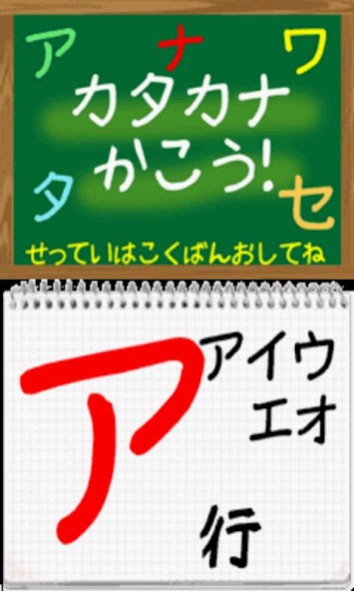
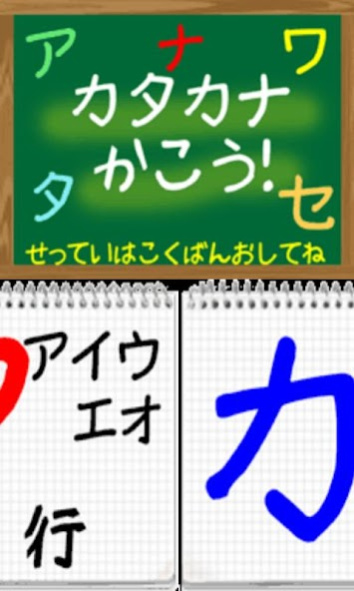
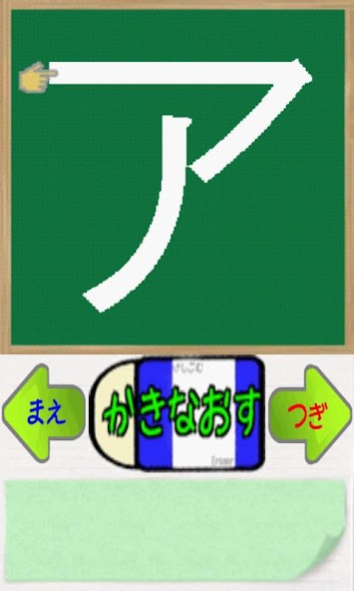
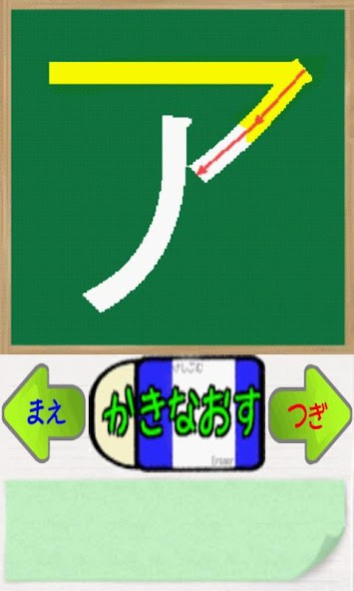
This app is the training app for writing "KATAKANAs" in Japanese.Let's master the correct writing at "KATAKANAs" with your father,mother or teacher. And,you can LISTEN the pronunciation of "HIRAGANAs".You can TALK "KATAKANAs" at the function of Speech recognition.
As a game,when you write at the correct writing, you can get one STAR a day.If five stars are collected, you master each "KATAKANA".If ALL "KATAKANAs" are mastered,you get NEW FUNCTION or SERVICE.It helps you
study and practice everyday.
Please read the following cautions well.
<1> Using the Japanese Text-To-Speech(TTS) function
The Japanese TTS of default setting is necessary for Internet Connection.The TTS function cannot run in unstable connection.
If TTS function is unstably,you setup N2TTS.
https://play.google.com/store/apps/details?id=jp.kddilabs.n2tts
(USE ONLY N2TTS in Japan)
<2> Using function of Speech recognition
It uses Google Speech recognition.Recognition accuracy depends on MIC performance , Noise or Voice.It is necessary for Internet Connection.
[Setting]
After start this app,you can swipe right or left at Line-Select area.Tap the Blackboard,move to setting.
<1>The judge of spill over
You can choice the Level of spill over in Severe,Moderate or Easy.
<2>The judge of total score
You can choice the Level of total score in Severe,Moderate or Easy.
<3>The color of your pen
You can choice pen color.
<4>Sound On-Off
if this is sound-off,you cannot use TTS and Speech recognition.
<5>Effect volume rate
You can setting volume rate without TTS volume because of TTS sound volume is not constant.
<6>Japanese TTS Engine
You can use Android JaTTS(Use net) or N2TTS(in Japan only).
<7>Voice type in JaTTS
When you use Android JaTTS, you can choice voice type.
<8>Galatea Talk License
Display New BSD License in Android Ja-TTS.
About Write KATAKANA
The company that develops Write KATAKANA is M.Sakai. The latest version released by its developer is 1.31.
To install Write KATAKANA on your Android device, just click the green Continue To App button above to start the installation process. The app is listed on our website since 2017-05-16 and was downloaded 0 times. We have already checked if the download link is safe, however for your own protection we recommend that you scan the downloaded app with your antivirus. Your antivirus may detect the Write KATAKANA as malware as malware if the download link to jp.co.sakai.write_katakana is broken.
How to install Write KATAKANA on your Android device:
- Click on the Continue To App button on our website. This will redirect you to Google Play.
- Once the Write KATAKANA is shown in the Google Play listing of your Android device, you can start its download and installation. Tap on the Install button located below the search bar and to the right of the app icon.
- A pop-up window with the permissions required by Write KATAKANA will be shown. Click on Accept to continue the process.
- Write KATAKANA will be downloaded onto your device, displaying a progress. Once the download completes, the installation will start and you'll get a notification after the installation is finished.
Program Details
System requirements
Download information
Pricing
Version History
version 1.31
posted on 2017-05-17
Fix to be able to select the default Text To Speech engine (TTS) other than N2TTS. but support only Japanese TTS.
version 1.0
posted on 2013-03-06
2013-1-13 release,2013-3-7 Corrected the stroke order of "wo"(keep ver1.0).,Thank you for a user's revew about it.
Disclaimer
External Download
We do not host Write KATAKANA on our servers. We did not scan it for viruses, adware, spyware or other type of malware. This app is hosted by Galad and passed their terms and conditions to be listed there. We recommend caution when installing it.
The APK Download link for Write KATAKANA is provided to you by apps112.com without any warranties, representations or guarantees of any kind, so access it at your own risk.
If you have questions regarding this particular app contact the publisher directly. For questions about the functionalities of apps112.com contact us.
